
Jiro
Start a website with a design and an AI-ready prompt.
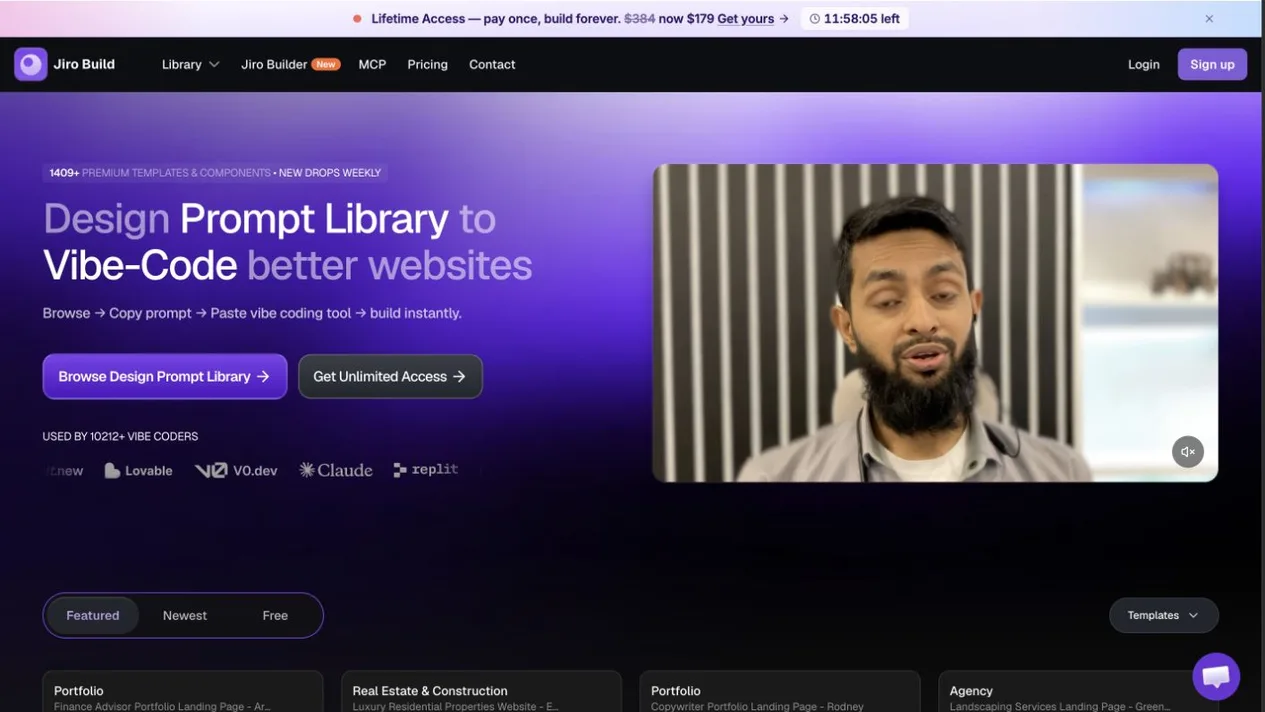
Jiro is a design prompt library with website templates and components for people building with AI tools.
- Website
- jiro.build
- Pricing
- See official access options
- Available on
- Web browser
What is Jiro?
Browse designs and copy prompts for use with compatible AI builders. Jiro also offers an MCP integration for supported coding tools.
Jiro Builder is a separate website-building workflow. Free and premium options, account requirements and usage limits are set by Jiro.
Jiro’s core features
- Design prompt library
- Browse website designs and copy prompts for compatible AI builders.
- Templates and components
- Explore complete page templates as well as individual website sections.
- MCP and builder
- Connect the Jiro library to supported assistants or explore the provider's website builder.
How to use Jiro
Explore the library
Browse available templates and components on Jiro's website.
Choose a design
Review the preview and access terms for the design you want.
Copy and adapt
Use the prompt in a compatible AI builder and review the resulting website.
See official access options
Jiro lists free and premium access options. Check the provider for current plans, feature availability and usage limits.
Frequently asked questions
What is Jiro?
Jiro is a library of website designs, components and prompts for use with AI building tools.
Which tools does Jiro support?
The provider lists support for tools including Claude, Cursor, Codex, Lovable and Bolt, with an MCP integration for compatible assistants.
Are all designs free?
The library includes free and premium options. Check Jiro's current pricing and access terms for each resource.
Sources and current information
Official product information checked on . This date records a source review, not a hands-on test.
This profile describes information from Jiro’s official website. Check the original sources for current features, availability and terms:
A listing is not a performance benchmark. Found an outdated detail? Request a correction with the profile URL and an official source.