
Kimi
Ask a question, or give an agent a task.
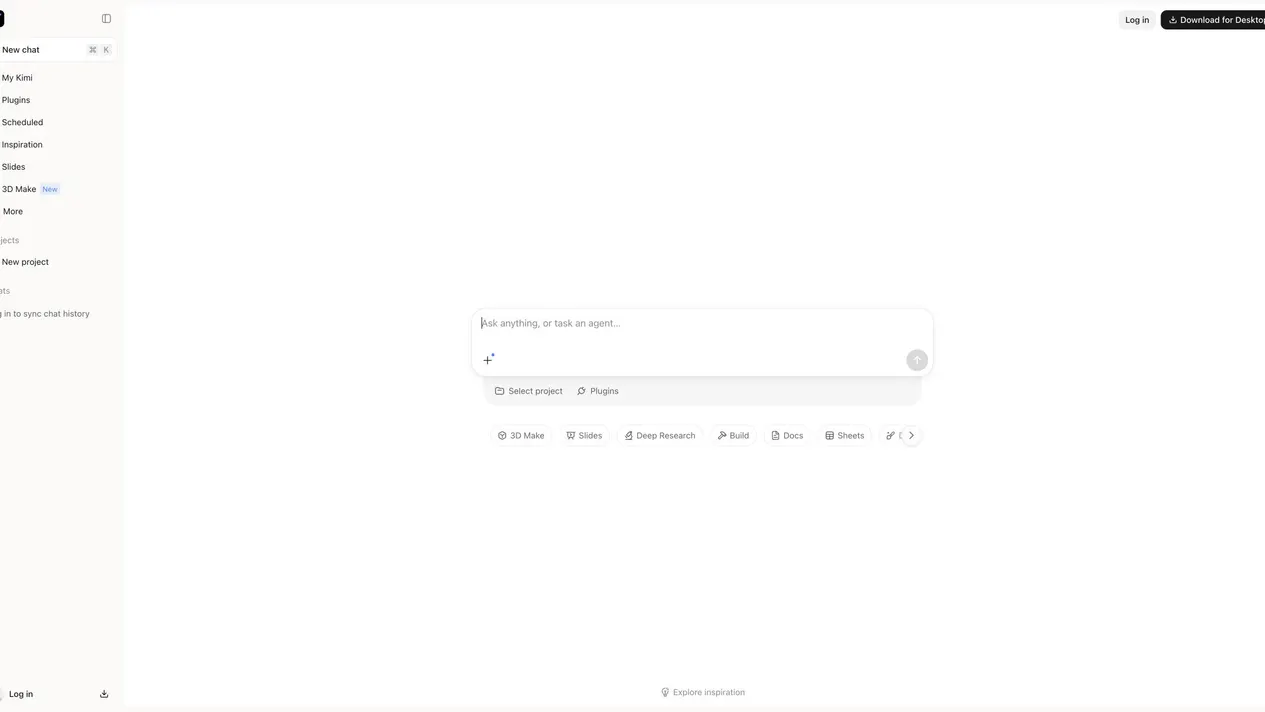
Kimi is an AI assistant with a browser-based chat workspace for questions, coding and multi-step tasks.
- Website
- www.kimi.ai
- Pricing
- See official access options
- Available on
- Web browser
What is Kimi?
The official workspace supports chat, projects and agent-oriented tasks.
The provider highlights coding and research use cases. Review generated answers and code before relying on them; availability and limits may vary.
Kimi’s core features
- AI conversation
- Ask questions and develop ideas in a chat workspace.
- Coding assistance
- Work through coding questions and project tasks with an AI assistant.
- Agent tasks
- Describe a research or multi-step task and review its results.
How to use Kimi
Open the official website
Visit the provider and review its access requirements.
Choose a task
Provide your context and choose the workflow that fits your needs.
Review the result
Verify the output and check current provider limits before using it.
See official access options
Check Kimi for current account requirements, model access, usage limits and paid options. WOG Labs does not quote a fixed price.
Frequently asked questions
What is Kimi?
Kimi is an AI assistant with a browser-based chat workspace for questions, coding and multi-step tasks.
Where do I use Kimi?
Use Open site to visit the official provider. WOG Labs is a directory and does not operate this service.
What does access cost?
Check Kimi for current account requirements, model access, usage limits and paid options. WOG Labs does not quote a fixed price.
Sources and current information
Official product information checked on . This date records a source review, not a hands-on test.
This profile describes information from Kimi’s official website. Check the original sources for current features, availability and terms:
A listing is not a performance benchmark. Found an outdated detail? Request a correction with the profile URL and an official source.