
Obsidian
Connect your notes. Develop your ideas.
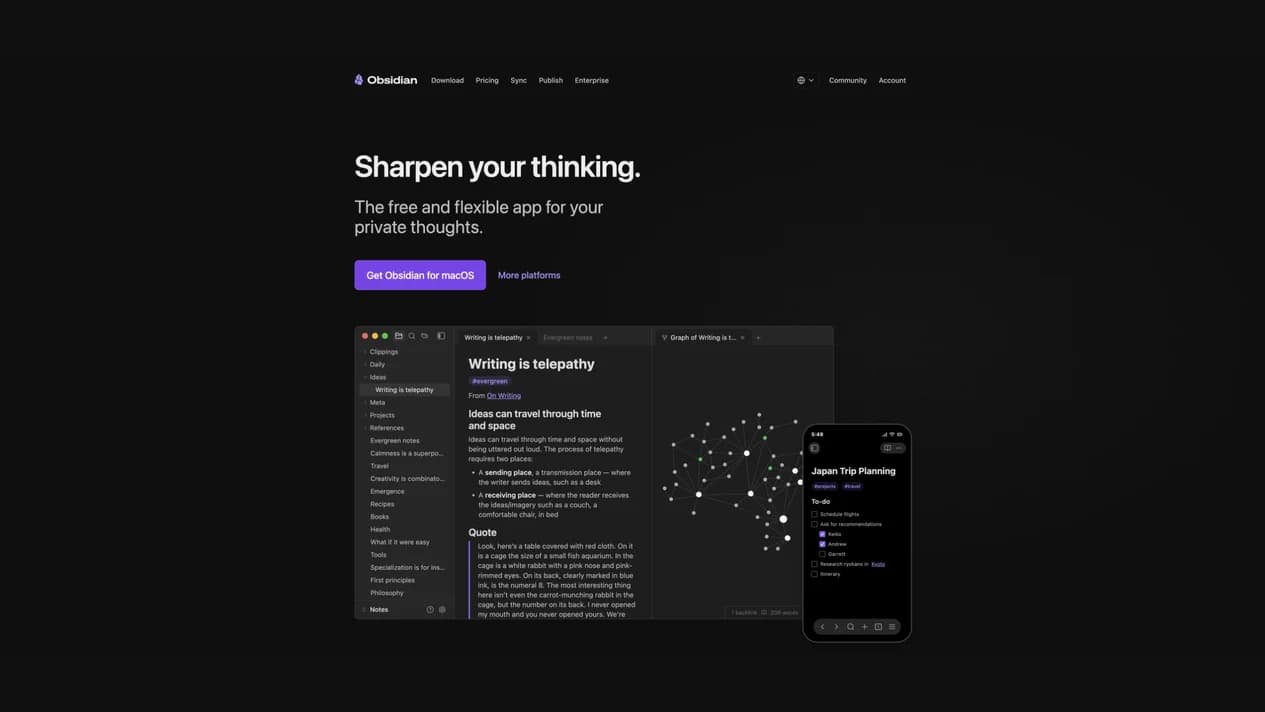
Obsidian is a local Markdown note-taking and knowledge management app. Link notes, explore a knowledge graph and arrange ideas on an open Canvas.
- Website
- obsidian.md
- Pricing
- Free + paid add-ons
- Available on
- macOS, Windows, Linux, iOS & Android
What is Obsidian?
Your notes live in plain-text Markdown files on your device and remain available offline. Community plugins and themes let you adapt the workspace to your workflow.
Obsidian is a note-taking app, rather than a built-in AI generator. Optional plugins may connect to third-party services; check their permissions, privacy terms and costs before enabling them.
Obsidian’s core features
- Local Markdown files
- Keep notes on your own device in an open, portable text format, with offline access.
- Linked notes and graph
- Connect notes and visualize their relationships to discover patterns across your knowledge.
- Canvas
- Arrange notes, images and other material on an open visual workspace for research and planning.
- Plugins and themes
- Extend the app with community-built tools and customize the workspace.
- Optional Sync and Publish
- Choose paid services to sync notes across devices or publish a site from your notes.
How to use Obsidian
Download Obsidian
Choose Open site, then download the app for your desktop or mobile device.
Create a vault
Choose a local folder for your Markdown files and start writing notes.
Connect and organize
Link related notes, explore the graph or lay out a project on Canvas.
Free notes. Optional Sync and Publish.
The core app is free to use without signing up. Sync and Publish are optional paid services. Check the official pricing page for current plans and terms.
Frequently asked questions
Is Obsidian an AI generator?
Obsidian is primarily a local note-taking and knowledge management app. Third-party plugins can add integrations; these are separate from its core note-taking features.
Is Obsidian free?
The core app is free without a required account. Sync and Publish are optional paid services; review current terms on the official pricing page.
Where are my notes stored?
Notes are stored locally as plain-text Markdown files. Any sync service or third-party plugin you enable has its own settings and privacy implications. WOG Labs does not receive your notes.
Sources and current information
Official product information checked on . This date records a source review, not a hands-on test.
This profile describes information from Obsidian’s official website. Check the original sources for current features, availability and terms:
A listing is not a performance benchmark. Found an outdated detail? Request a correction with the profile URL and an official source.