
Photo AI
Your AI photo studio.
Photo AI lets you train a personal AI model and create realistic photos and short videos of that model in new places, outfits and scenes.
- Website
- photoai.com
- Pricing
- Free photos + paid plans
- Available on
- Web browser
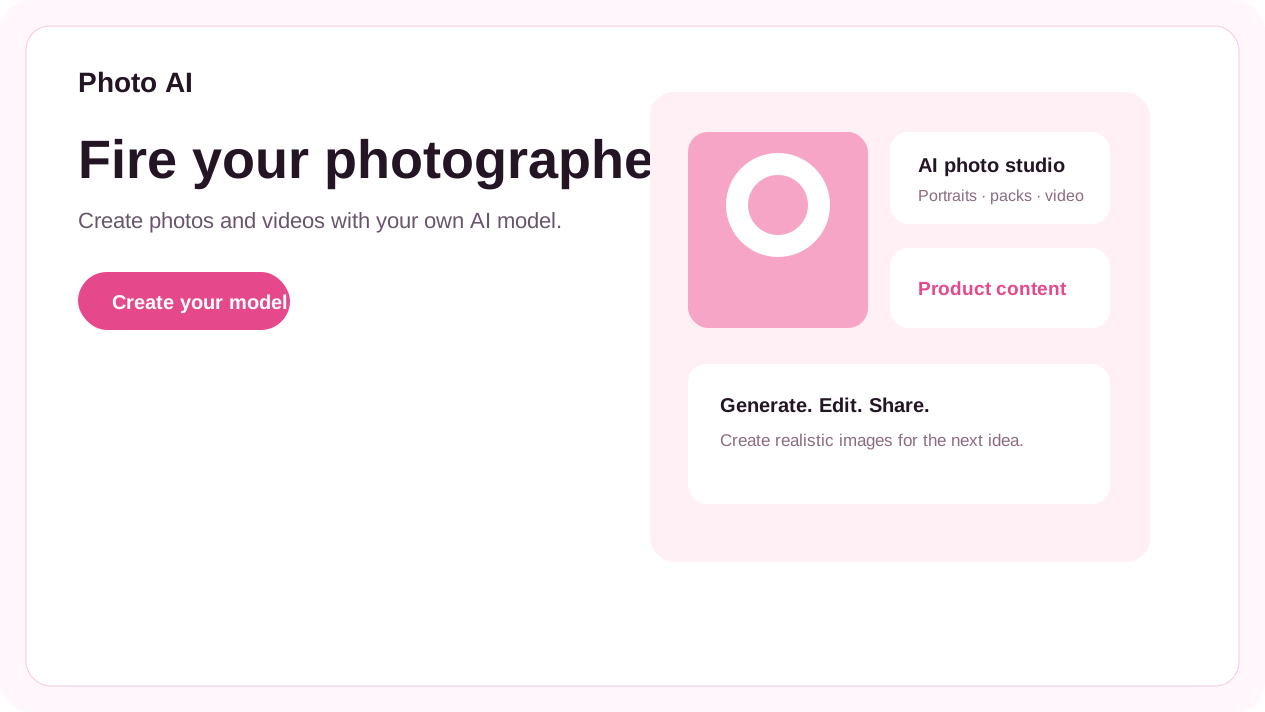
What is Photo AI?
Upload a set of selfies to create an AI model, then explore photo packs or write a scene for a new image. Photo AI also supports product content, virtual try-on and social media workflows.
The service includes an AI-first video editor and tools for turning generated photos into videos. Training, generation, storage and account controls remain on Photo AI.
Photo AI’s core features
- Train your AI model
- Use a set of selfies to create a model that can appear in new generated scenes.
- Generate realistic photos
- Create portraits and lifestyle images with different poses, places, outfits and styles.
- Turn photos into video
- Animate generated photos and edit clips in an AI-first browser video workflow.
- Create product content
- Build product photos and videos with AI models for social and ecommerce content.
- Try on clothes and photo packs
- Explore themed photo packs or upload an outfit for a virtual try-on workflow.
How to use Photo AI
Create an AI model
Upload the required selfies and let Photo AI train your model.
Choose a scene or pack
Pick a themed pack, describe a scene or select a product workflow.
Generate and refine
Review the result, create a video or export the content from your Photo AI account.
Start with a model, then review the current plan.
Photo AI offers free photos for new AI models alongside paid plans and credits. Current generation limits, storage and subscription terms are maintained on the official website.
Frequently asked questions
What can Photo AI create?
Photo AI creates realistic photos and short videos featuring an AI model you train, plus product content, virtual try-on and themed photo packs.
Do I need to upload photos?
To create a model of yourself, Photo AI asks for a set of selfies. You can also create a synthetic AI influencer without using your own photos, according to its official site.
Can I use Photo AI inside WOG Labs?
No. Open site takes you to Photo AI in a new tab. WOG Labs does not receive your photos, prompts, generated media or account information.
Sources and current information
This profile describes information from Photo AI’s official website. Check the original sources for current features, availability and terms:
A listing is not a performance benchmark. Found an outdated detail? Request a correction with the profile URL and an official source.