
Qwen Coder
Describe an idea and start building in your browser.
Qwen Coder is a browser-based AI coding workspace for creating web applications from natural-language requests.
- Website
- coder.qwen.ai
- Pricing
- See official access options
- Available on
- Web browser
What is Qwen Coder?
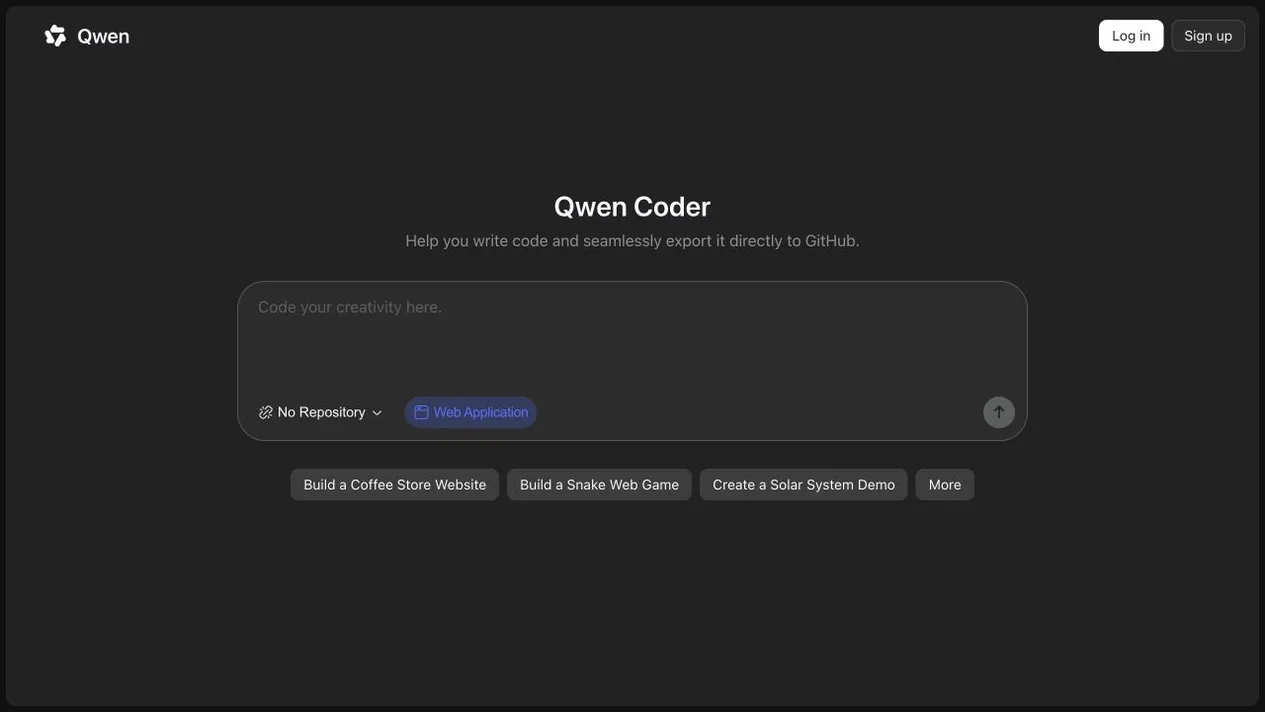
The official workspace offers web-application prompts, a repository selector and a GitHub export workflow.
Qwen Coder at coder.qwen.ai is the web workspace shown here. Access, GitHub connections and usage limits are controlled by Qwen.
Qwen Coder’s core features
- Prompt-led coding
- Describe a web application or coding task in the browser workspace.
- Web application projects
- Start with a project idea or choose one of the example prompts.
- Repository workflow
- The interface provides a repository selector and describes exporting code to GitHub.
How to use Qwen Coder
Open Qwen Coder
Visit the official web workspace and check whether a Qwen account is required.
Describe the project
Enter a coding request or select an example web application.
Review and export
Review generated code and follow Qwen's instructions for any GitHub connection or export.
See official access options
Check Qwen for current account requirements, access options and usage limits.
Frequently asked questions
What is Qwen Coder?
Qwen Coder is Qwen's browser-based workspace for coding and creating web applications from prompts.
Does it connect to GitHub?
The official page describes exporting code to GitHub and provides a repository selector; connections and permissions are managed by Qwen.
What does it cost?
Check Qwen for current account requirements, availability and usage limits.
Sources and current information
Official product information checked on . This date records a source review, not a hands-on test.
This profile describes information from Qwen Coder’s official website. Check the original sources for current features, availability and terms:
A listing is not a performance benchmark. Found an outdated detail? Request a correction with the profile URL and an official source.