
Tripo
From an idea or image to a 3D model.
Tripo is an AI 3D creation platform for turning text, photos and sketches into models, with tools for textures, mesh editing and animation.
- Website
- www.tripo3d.ai
- Pricing
- Free + paid plans
- Available on
- Web browser
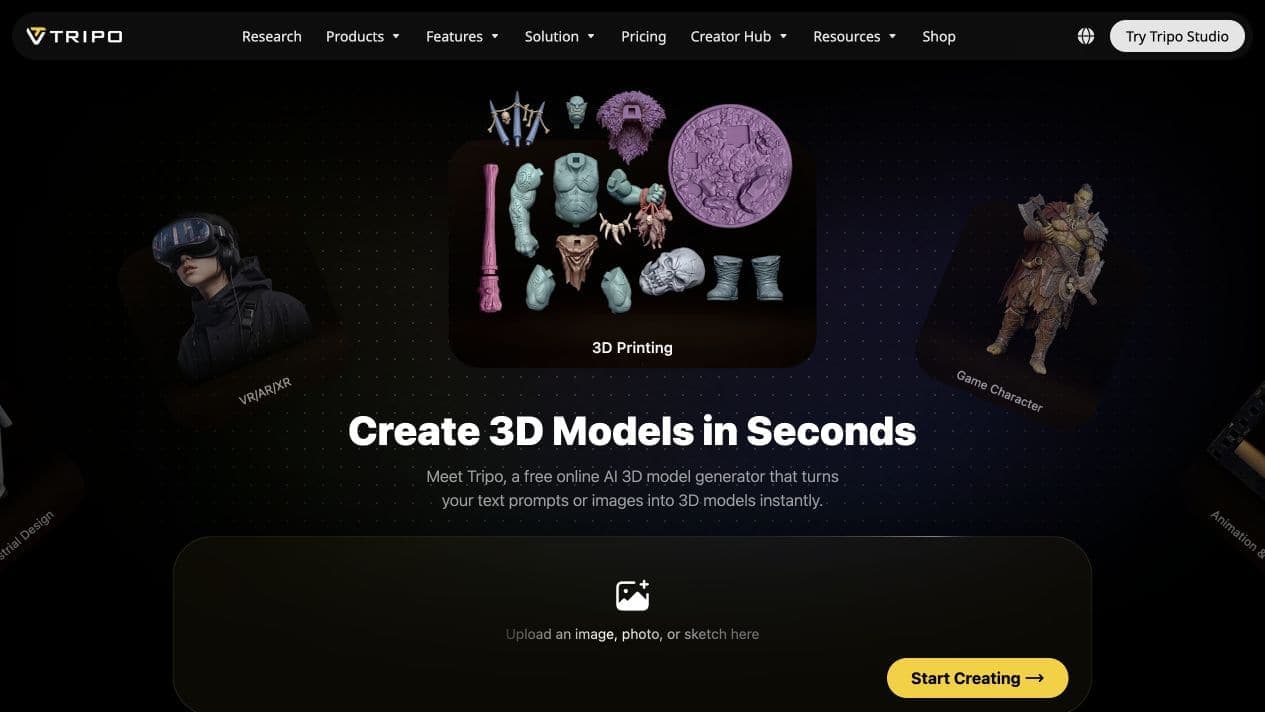
What is Tripo?
Use Tripo Studio to explore 3D assets for games, animation, product visualization and 3D printing. Start from a prompt or image, then refine and export your model.
Generation, account access and downloads happen on Tripo. This directory helps you discover the service; WOG Labs does not generate or store your 3D models.
Tripo’s core features
- Text and image to 3D
- Create models from a written prompt, photo or sketch.
- Mesh refinement
- Explore detailed geometry and mesh tools for different creative workflows.
- AI texturing
- Generate and edit surface textures for your 3D assets.
- Rigging and animation
- Prepare supported characters and creatures for movement with automatic rigging tools.
- 3D export workflows
- Export models for further work in 3D software or printing, subject to your plan.
How to use Tripo
Open Tripo
Follow Open site, then enter Tripo Studio.
Start with a prompt or image
Choose an input and generate your model on Tripo.
Refine and export
Review the geometry, add textures and choose an available export format.
Explore free. Choose a plan as you create.
Tripo offers a free tier and paid plans. Credits, export access, privacy and commercial-use rights depend on your plan. Check the official pricing page for current terms and limits.
Frequently asked questions
Can I try Tripo for free?
Tripo lists a free tier alongside paid subscriptions. Visit its pricing page for current credits, export limits and availability.
Can I use the models commercially?
Commercial-use and model-privacy terms vary by plan. Review Tripo’s current pricing and terms before choosing a plan for your project.
Where do I generate my models?
Choose Open site to visit Tripo in a new tab. Model generation and account management take place there. WOG Labs only keeps your tool favorites in this browser.
Sources and current information
This profile describes information from Tripo’s official website. Check the original sources for current features, availability and terms:
A listing is not a performance benchmark. Found an outdated detail? Request a correction with the profile URL and an official source.