analyzing-video
Analyze a video with extracted frames, scene changes and an optional transcript.
See what’s inside
View the original skill instructions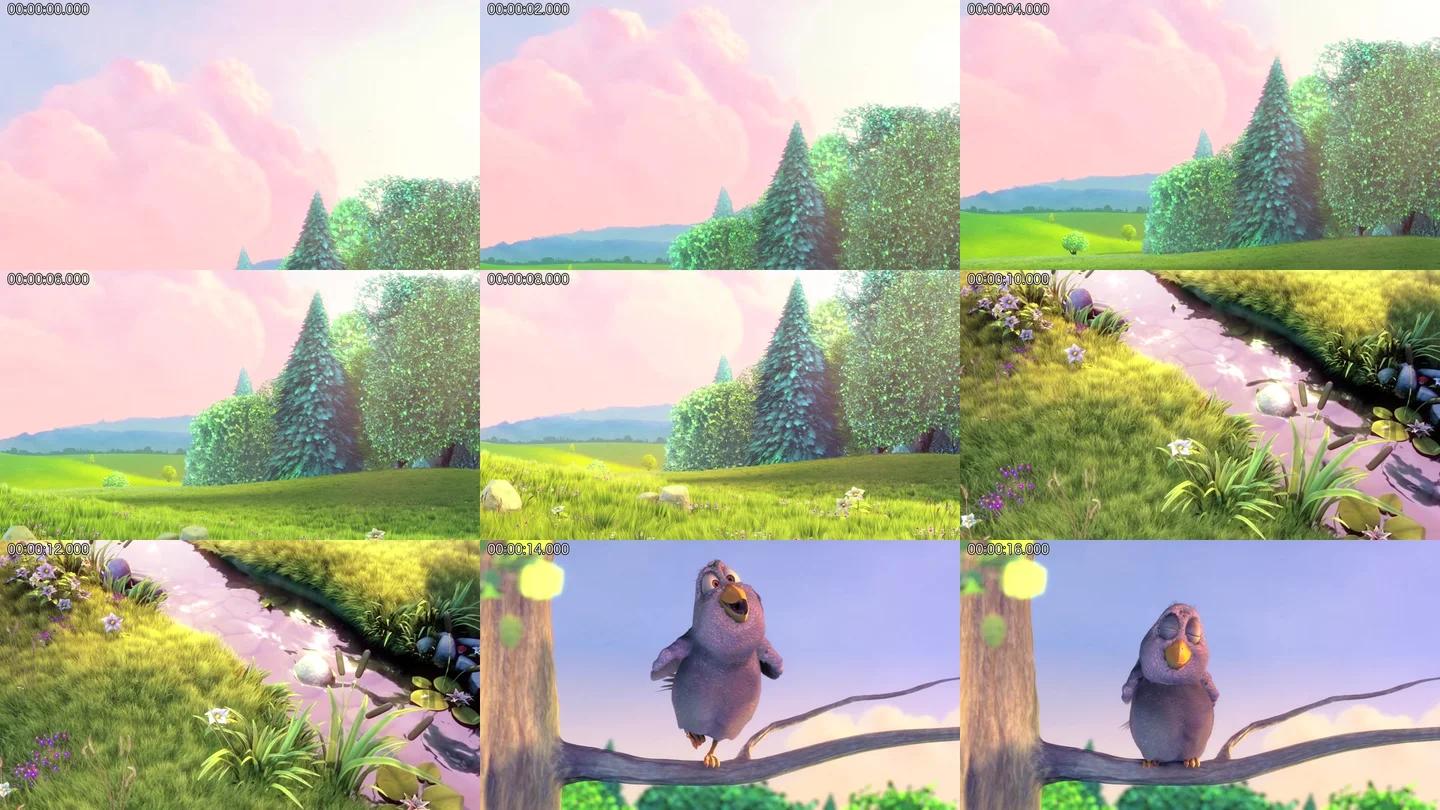
Sample footage: Big Buck Bunny, © copyright 2008 Blender Foundation / www.bigbuckbunny.org, CC BY 3.0 (https://creativecommons.org/licenses/by/3.0/). The excerpt was trimmed and the script's contact sheet resized by WOG Labs. Source & credits
Turn a video into a structured analysis
This Claude Code skill extracts frames and identifies scene changes, then combines visual analysis and optional audio transcription in a Markdown timeline.
- Extract frames and scene-change keyframes at a chosen rate or time range.
- Analyze visual material with parallel agents and optionally include a transcript.
- Produce a structured Markdown timeline and scene breakdown.
Before you start
- Claude Code and the complete skill folder.
- FFmpeg, ffprobe, Python 3 and bc; automatic speech transcription also requires the Whisper CLI.
Set it up for your workflow
Review the source and installer options before running the upstream command.
Install the skill and its required local tools.
Ask Claude Code to analyze a local video and specify a time range or sampling rate if needed.
Review the generated Markdown timeline against the source video.
License and source
The upstream repository is licensed under GPL-3.0; review its license before redistributing the skill or its files.
WOG Labs reviewed the linked repository and its documented download options. The preview's source and limitations are described above; the full skill workflow was not independently tested.