color-assist
Analyze a DaVinci Resolve frame and assist with color adjustments through Resolve MCP.
See what’s inside
View the official Resolve color page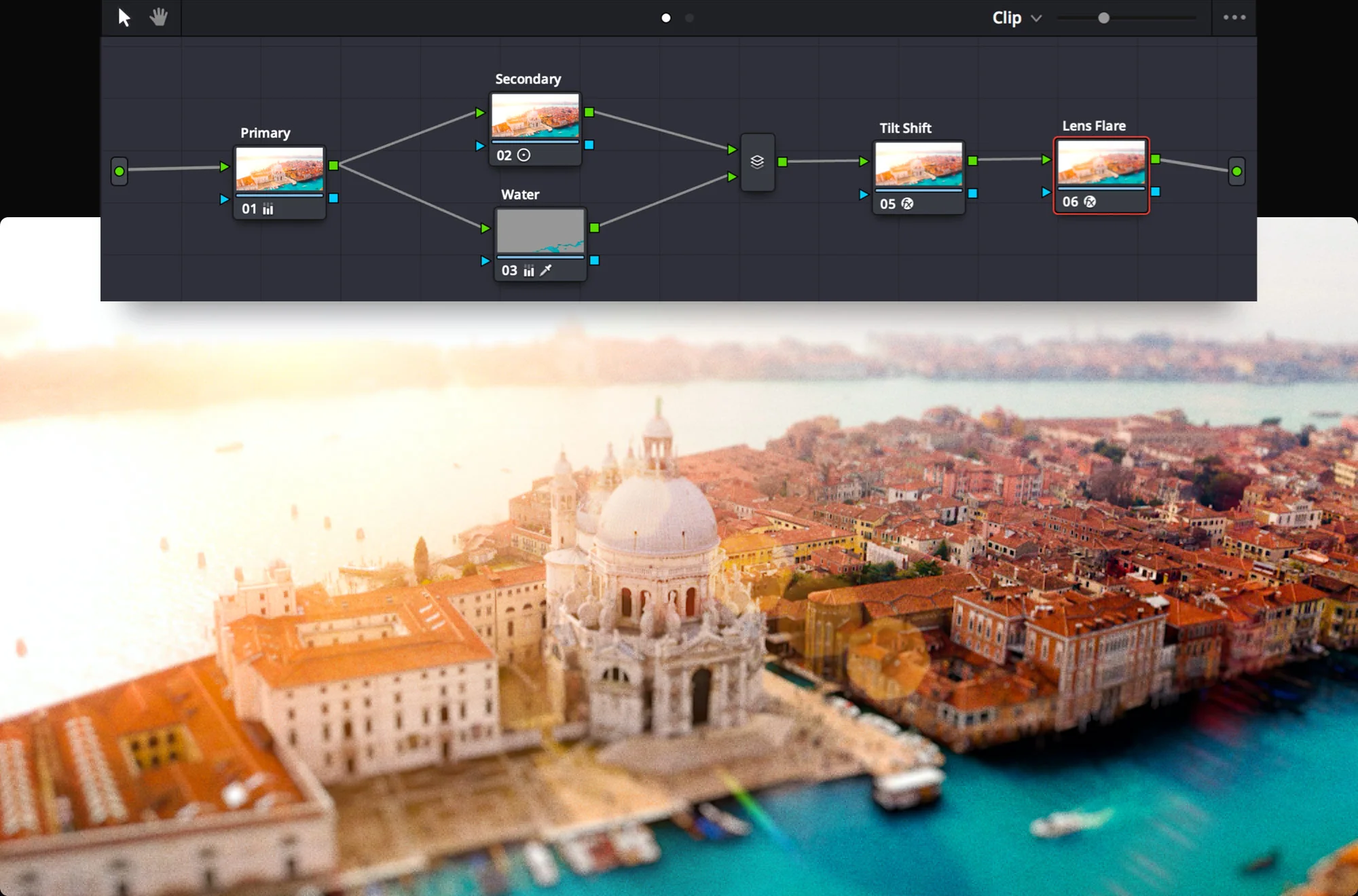
Resolve illustration © Blackmagic Design, from its official product page. The color-assist repository does not supply an independently verifiable result image; the skill has not been run by WOG Labs. Source & credits
Assist color grading in DaVinci Resolve
The color-assist skill exports and analyzes the selected frame, then can adjust CDL values in Resolve Color nodes through Resolve MCP.
- Inspect a selected frame and describe exposure, color balance and contrast.
- Apply requested CDL adjustments to supported Color page nodes.
- Use analysis-only or undo instructions when appropriate.
Before you start
- A running DaVinci Resolve installation with external scripting enabled and Resolve MCP configured.
- Python 3.11 or newer; FFmpeg supports frame conversion for the analysis workflow.
- A compatible Claude Code environment and a selected clip on the Color page.
Set it up for your workflow
The upstream command installs the complete plugin, including its MCP server, other skills, agents and hooks.
Configure Resolve scripting and install the official plugin.
Select a clip and invoke /color-assist with the desired adjustment, or request analysis only.
Inspect the actual grade in Resolve and adjust or undo it as needed.
License and source
The upstream repository uses the MIT license; retain the original copyright and permission notice when redistributing its files.
WOG Labs reviewed the linked repository and its documented download options. The preview's source and limitations are described above; the full skill workflow was not independently tested.