Frontend Slides
Create HTML slide decks with a coding agent, discover a visual style, or turn a PowerPoint deck into a web presentation.
See what’s inside
Explore the template pack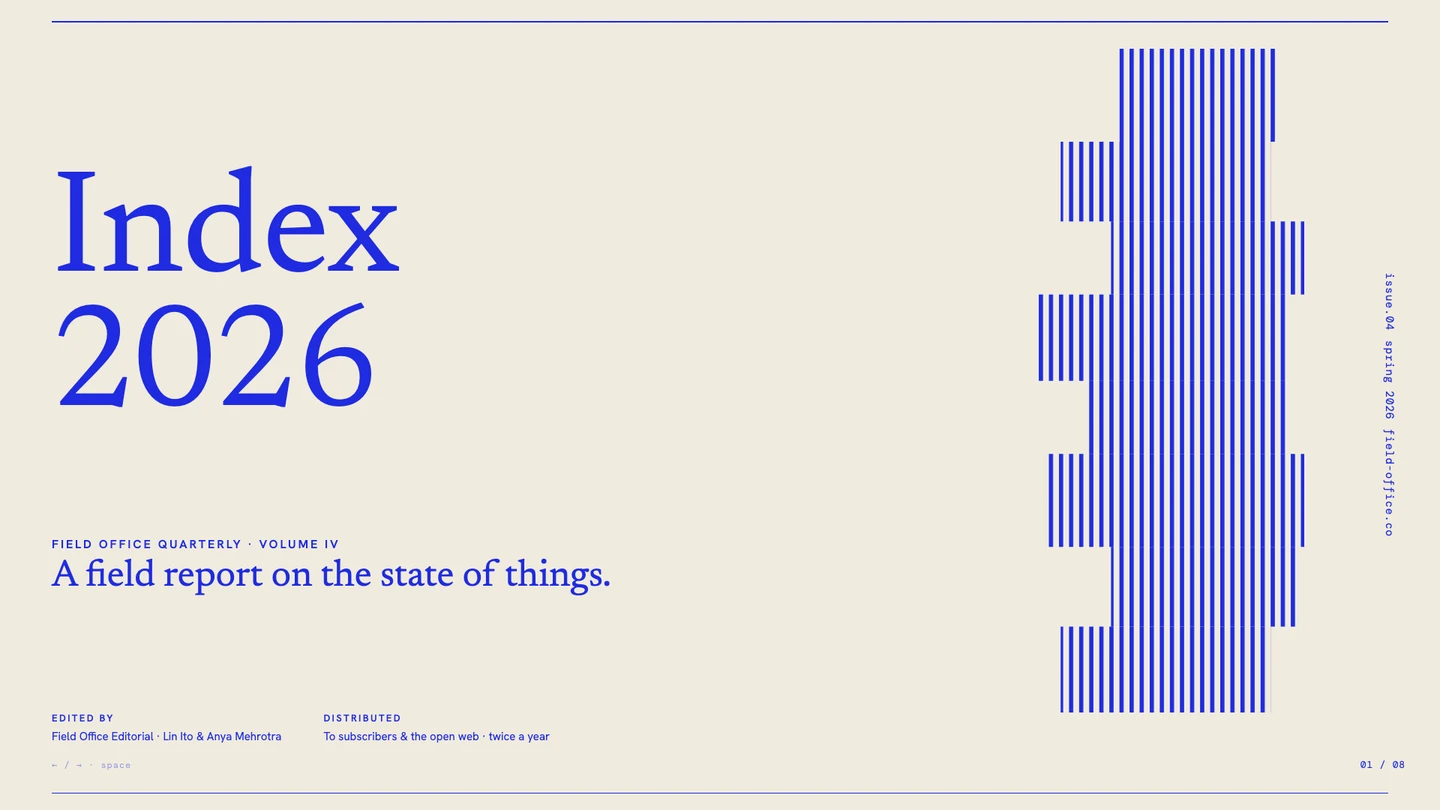

Template previews by Zara Zhang, sourced from beautiful-html-templates as linked in the Frontend Slides README (MIT). Resized to WebP; layout and artwork unchanged. Source & credits
From a brief to a presentation you can open in a browser
Frontend Slides guides a coding agent through content, visual direction, style previews and implementation. Its output is an HTML presentation; optional scripts support PowerPoint import, PDF export and sharing.
- Discover a visual direction by comparing previews.
- Create fixed-ratio HTML slides with inline CSS and JavaScript.
- Convert PowerPoint content and images through the supplied extraction workflow.
- Load style presets and the optional Bold Template Pack progressively.
Before you start
- A local coding agent with filesystem access and permission to run project commands.
- PowerPoint conversion uses Python and python-pptx; PDF export uses Node.js and Playwright.
- Optional Vercel deployment requires your own Vercel account. These tools are separate from the ZIP download.
Set it up for your workflow
Send the first line in Claude Code and wait for it to finish, then send the second command. These are Claude Code messages, not shell commands.
Start /frontend-slides:frontend-slides after plugin installation and describe your audience, subject and slide content.
For another compatible coding agent, extract the ZIP and point it to SKILL.md and its referenced support files.
Review the style previews, then check the finished presentation in a browser before exporting or sharing it.
License and source
The skill repository is MIT-licensed by Zara Zhang. The two official template previews come from the same author’s MIT-licensed beautiful-html-templates repository; its notice is preserved alongside the images. Keep original license notices with redistributed source.
WOG Labs reviewed the repository and download contents. The previews come from the identified upstream sources; installation and generated results depend on your tools and have not been independently reproduced here.