Lemo-Opuscar
Make short films with a coding agent: 59 visual styles, original sound and a workflow for creating your own style.
A few of the 59 styles
Watch the films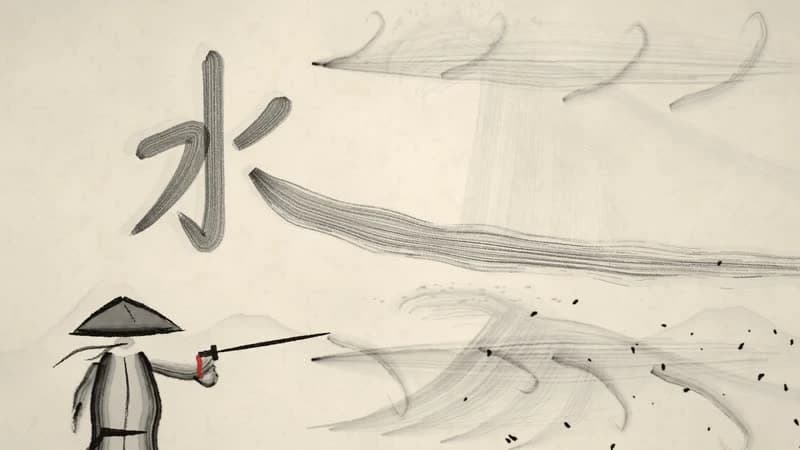

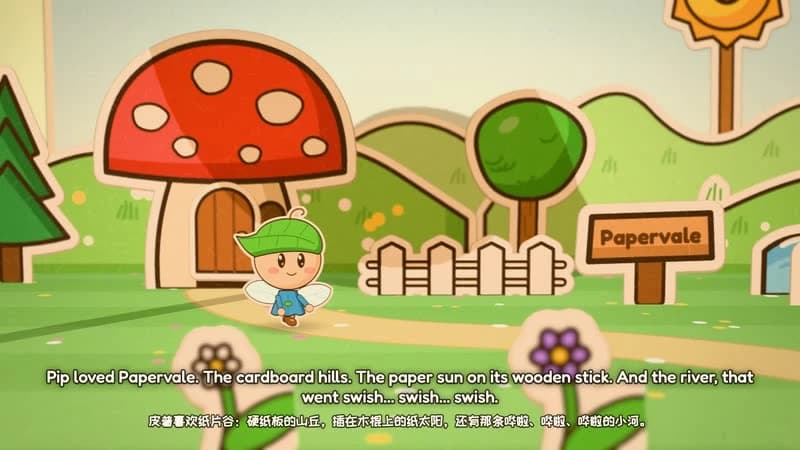
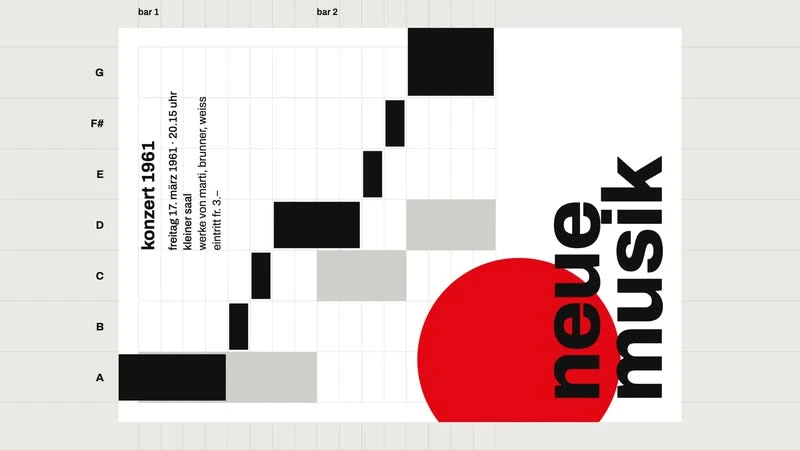
Official demo stills by LemoLab, CC BY 4.0. Converted to WebP; the artwork is unchanged.
A small film studio for your coding agent
Lemo-Opuscar combines directing guides, style prompts and production tools. Give your agent a topic and a visual direction, then work through the story, scenes, picture, narration, music and final render.
- Choose from 59 styles, including ink wash, watercolor, paper craft, motion graphics, pixel art and 3D.
- Render Canvas and WebGL scenes frame by frame, with guides for narration, scoring and mixing.
- Adapt a library style or build and save your own reusable style.
- Use documentary and evidence-based workflows for footage, archives, maps and sourced data.
The author supplies the demo films shown above. WOG Labs has reviewed the repository and packaged its skill files; we have not independently reproduced those films.
Before you start
The author targets Claude Code and tunes the styles for Claude Opus 5.5. Other agents can load the skill directory, but visual fidelity and compatibility may vary.
- Node.js 20+, FFmpeg and Python 3.11+ (or uv), plus Git for library setup.
- The setup script downloads the production library on first use; the small skill ZIP does not include the full library or demo videos.
- Upstream estimates roughly 30–60 minutes per film with substantial token usage. Runtime and costs depend on your project and agent.
- Default output is 1920 × 1080 at 24 fps; ask your agent for other sizes.
Install, choose a style, bring your story
Run these commands in your terminal, then start the skill in Claude Code.
Using the ZIP with another agent
Extract the ZIP and copy the lemo-opuscar/ folder into your agent’s supported skills directory. It includes the upstream SKILL.md, scripts/setup.sh and MIT notice. Review those files before running them, and follow your agent’s installation instructions.
In Claude Code, start /lemo-opuscar:lemo-opuscar to browse the workflow, or describe a film directly. For example:
Make a 45-second watercolor film about a family-run coffee farm. Use a warm narrator, and show me the storyboard before rendering.Read the official installation guide
Open source, with credit for the demos
Code and documentation are MIT-licensed. Demo films and stills use CC BY 4.0 and require credit to LemoLab, a source link and a note about changes. Third-party demo assets retain their own terms; some voice tracks are explicitly excluded by the author.
The download preserves the original skill and setup script at revision 413a6bd, plus the MIT notice and source manifest. The setup script can fetch a newer library when you use it.