
HyperFrames
Write HTML. Render video. Build with agents.
HyperFrames is an open-source video framework from HeyGen. It turns HTML, CSS, media and seekable animations into rendered videos, with workflows for AI coding agents and a desktop Studio.
- Website
- www.hyperframes.dev
- Pricing
- Open-source framework
- Available on
- CLI; macOS and Linux Studio
What is HyperFrames?
The framework supports code-driven video compositions, local preview and MP4 rendering. Its official repository provides agent skills and reusable components for titles, captions, motion graphics and other video elements.
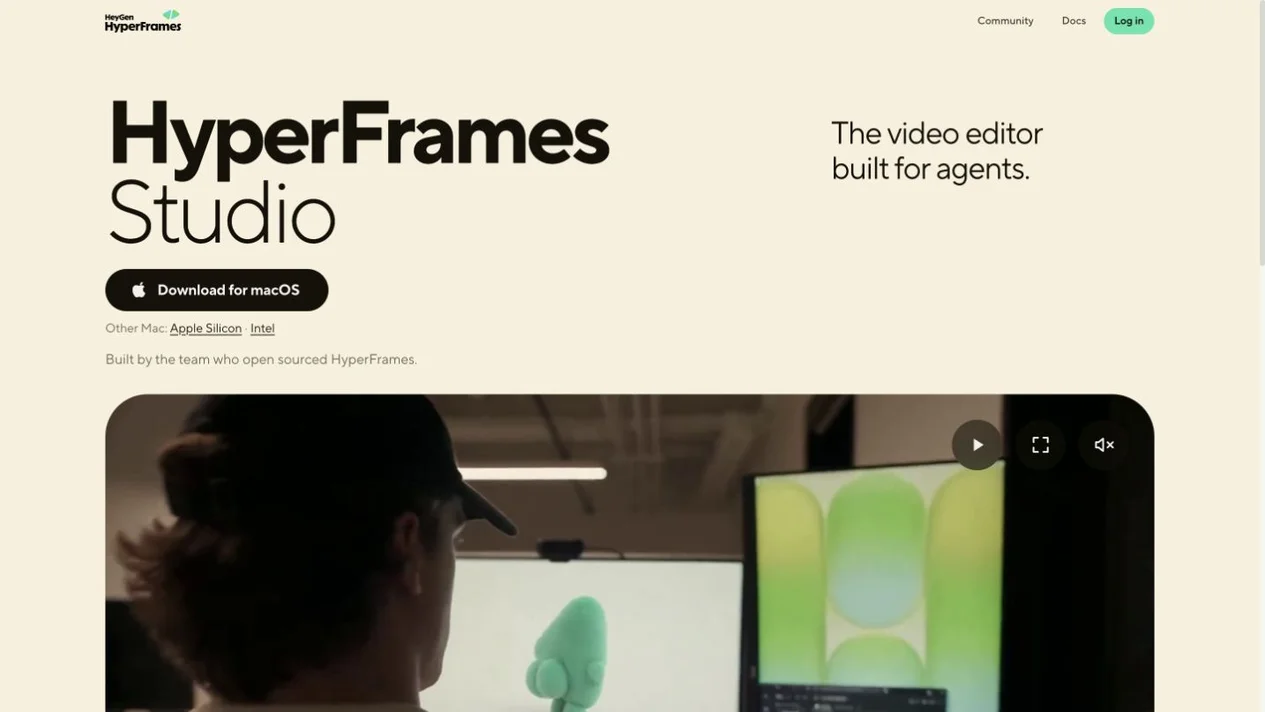
HyperFrames Studio is presented as a desktop video editor built for agents. Check the official downloads for current platform availability; a coding workflow and any external AI or media services have their own requirements.
HyperFrames’s core features
- HTML-to-video compositions
- Use familiar web technologies, media and seekable animations to build video scenes.
- Agent-assisted workflows
- Use the official skills with compatible coding agents to plan, create, preview and render a video project.
- Preview and render
- Inspect compositions in a preview or Studio workflow and render actual video output with the framework.
How to use HyperFrames
Choose your workflow
Open the official site for Studio downloads, or follow the repository's CLI quick start and requirements.
Build a composition
Write HTML, CSS and JavaScript, or use a compatible coding agent with the official HyperFrames skills.
Preview and export
Review the timing, assets and audio, then render your video and check the actual result.
Apache-2.0 framework; check companion services
The official HyperFrames repository is released under Apache-2.0. Check the provider for current Studio access and any external AI, media or hosted-service charges; the repository license does not make every connected service free.
Frequently asked questions
What is HyperFrames?
HyperFrames is HeyGen's open-source framework for building and rendering videos with HTML, CSS, JavaScript and media. Its ecosystem includes agent skills and a desktop Studio.
Do I need to work with code?
The framework is designed around code and AI coding agents. Studio adds an editing workflow, but this is still a different workflow from simply uploading a clip to a hosted converter. Check the official quick start before choosing it.
Is HyperFrames free?
The official framework repository uses Apache-2.0. Studio access, third-party AI models, media services and any hosting may have separate terms or costs. Review the provider's current options.
Sources and current information
Official product information checked on . This date records a source review, not a hands-on test.
This profile describes information from HyperFrames’s official website. Check the original sources for current features, availability and terms:
A listing is not a performance benchmark. Found an outdated detail? Request a correction with the profile URL and an official source.