
Remotion
Make videos with React and coding agents.
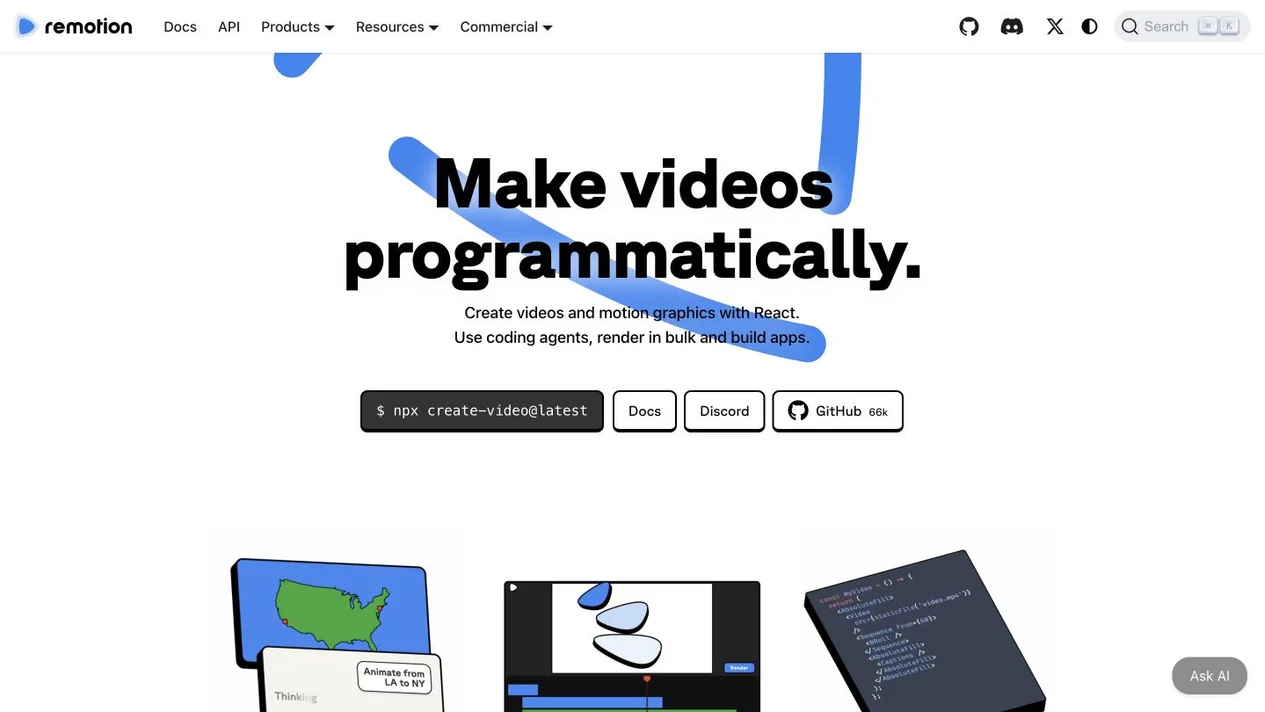
Remotion is a toolkit for creating videos and motion graphics with React. It combines code-based compositions, an interactive Studio, rendering tools and components for building video applications.
- Website
- www.remotion.dev
- Pricing
- Free eligibility / paid licenses
- Available on
- React / TypeScript; browser-based Studio
What is Remotion?
Developers can parameterize compositions, connect data and assets, render videos programmatically and embed a Remotion Player in an application. The Studio provides a browser-based workspace for previewing and editing projects.
Official agent skills and plugins support AI-assisted video creation in compatible coding agents. Code remains the source of truth, and generated compositions still need review and rendering.
Remotion’s core features
- React-based video scenes
- Create reusable video compositions with React components, animation logic and your own assets.
- AI-assisted authoring
- Use official agent skills or plugins with a compatible coding assistant to help create and refine video code.
- Rendering and application building
- Parameterize videos, render them programmatically or integrate the Player into your own video product.
How to use Remotion
Start a project
Open the official getting-started documentation and create a Remotion project for your environment.
Create and preview
Build React compositions or use a compatible coding agent, then inspect the video in Studio.
Review and render
Check timing, audio, assets and licensing, then render the finished video or integrate the composition into your application.
Check Free License eligibility and Company licensing
Remotion offers a Free License for eligible users and organizations, with Company and Enterprise options for other use cases. Current terms depend on eligibility and how you use the tools; review the official license and pricing before commercial use.
Frequently asked questions
What is Remotion?
Remotion is a React-based toolkit for making videos and motion graphics, with a Studio, rendering tools and components for video applications.
Can I use Remotion with AI?
Yes. The official documentation provides agent skills and plugins for compatible coding assistants. These assist with authoring; the resulting compositions are still previewed and rendered through Remotion.
Is Remotion free for every project?
No. A Free License is available when you meet the current eligibility conditions. Other organizations or workflows may require a Company or Enterprise License. Use the official licensing pages for current terms and fees.
Sources and current information
Official product information checked on . This date records a source review, not a hands-on test.
This profile describes information from Remotion’s official website. Check the original sources for current features, availability and terms:
- Remotion official website
- View official license and pricing
- Remotion official source — www.remotion.dev
A listing is not a performance benchmark. Found an outdated detail? Request a correction with the profile URL and an official source.